Chibi Cartoon Style AI Photo Editing Prompts Free:Cute Girl Chibi Bubble
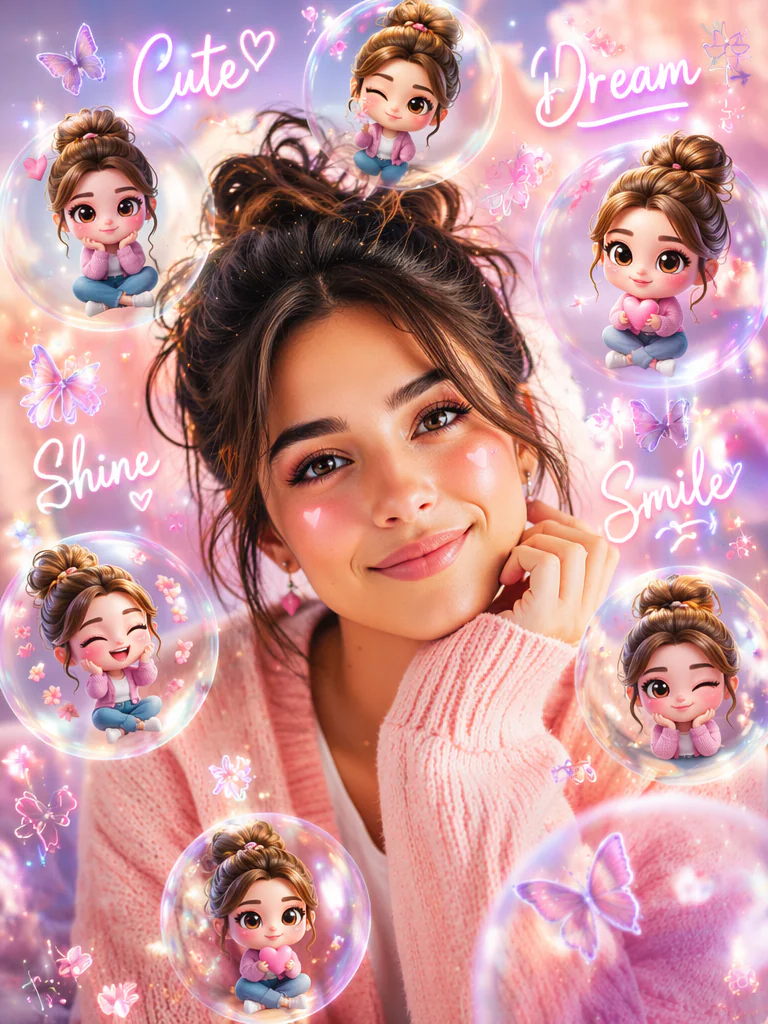
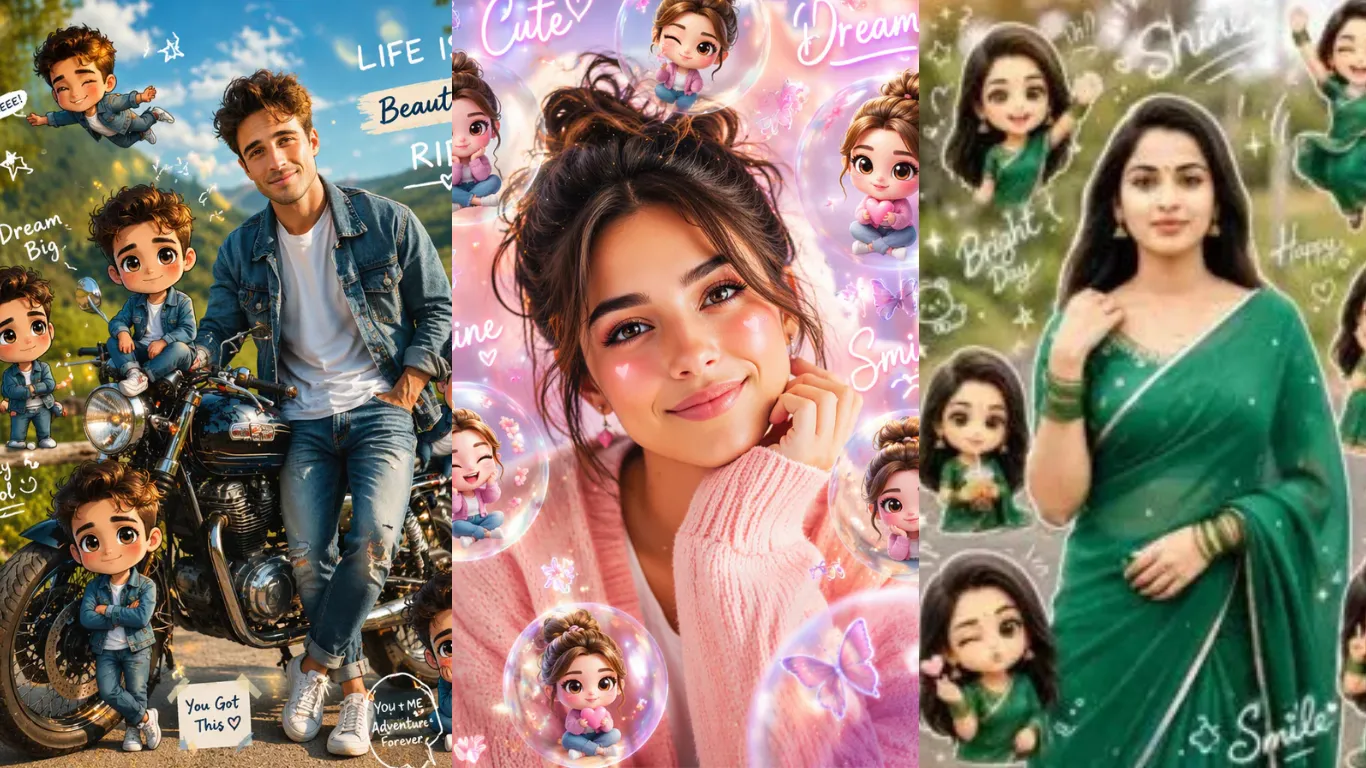
Turn the uploaded portrait into a cute girl chibi cartoon style AI edit. Keep the original girl as a realistic smiling main subject, surround her with tiny 3D chibi doll versions in transparent glowing bubbles, add soft pink and lavender background, handwritten words like “Cute”, “Dream”, “Shine”, “Smile”, small hearts, butterflies, flower doodles, glossy sticker effects, warm beauty lighting, soft bokeh, viral YouTube thumbnail composition, high-detail face preservation, clean cartoon-realistic blend.Chibi Cartoon Style Ai Photo Editing Prompts – Chatgpt Prompt 2026
Bike Chibi Cartoon Style
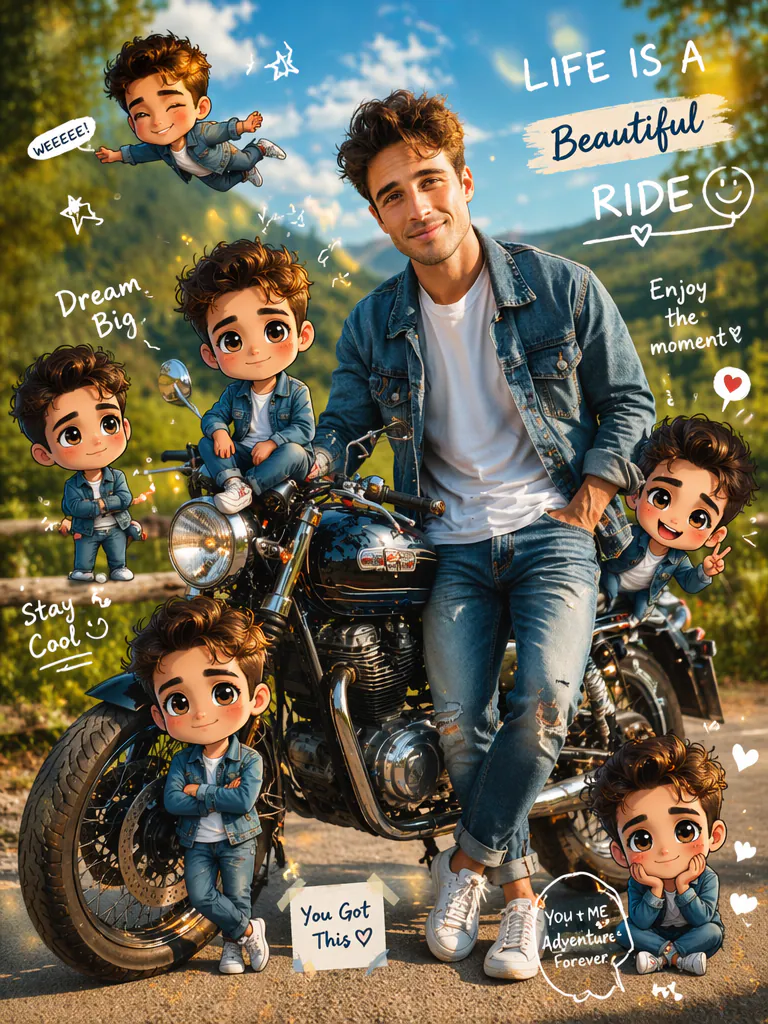
Create a viral chibi cartoon AI photo edit from the source image. Keep the real person beside a stylish motorbike as the main subject, then place several mini chibi cartoon clones around the bike, sitting on the seat, standing near the wheels, flying above, and posing cutely. Add handwritten doodles, white chalk-style labels, hearts, stars, smile icons, soft glow circles, dreamy sky, green outdoor background, glossy 3D cartoon characters, realistic shadows, sticker collage composition, Instagram viral editing style, high resolution.Trending Chibi Cartoon Collage
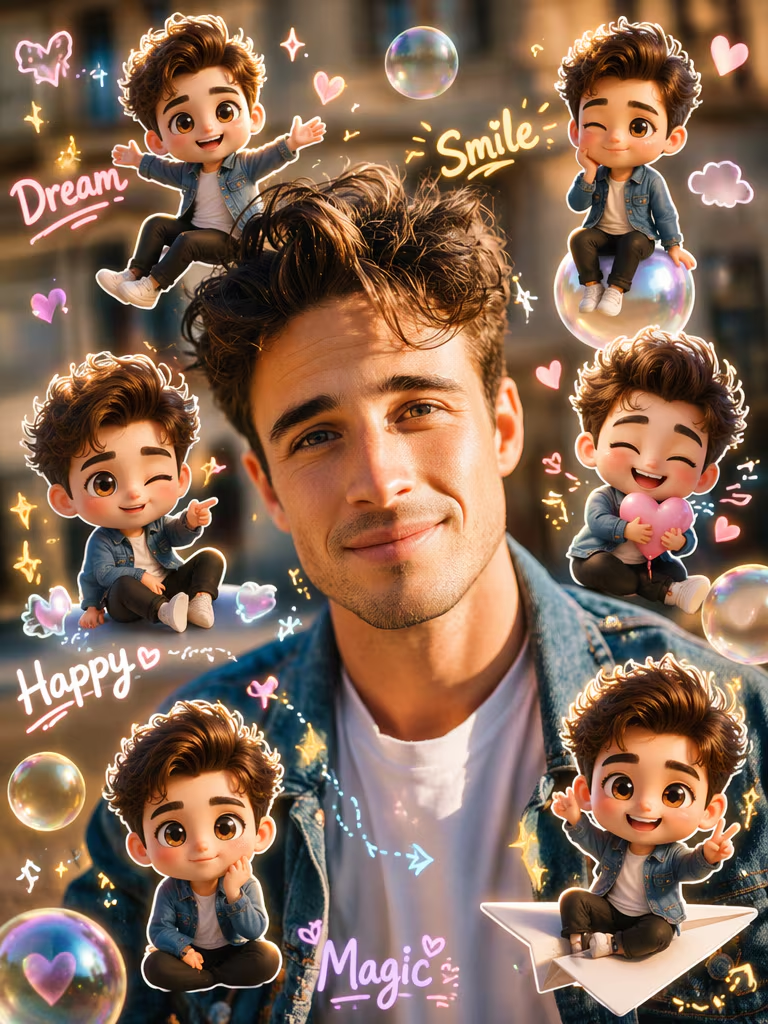
Transform the uploaded real photo into a viral chibi cartoon style AI photo editing collage. Keep the main person realistic and recognizable in the center, add multiple cute mini 3D chibi versions of the same person around them, each with big head, tiny body, playful poses, smiling expressions, soft sticker edges, glowing bubbles, handwritten doodle words like “Dream”, “Smile”, “Happy”, “Magic”, pastel hearts, sparkles, and cute arrows. Use a trendy social media thumbnail layout, warm soft lighting, shallow depth of field, bright cheerful colors, realistic background mixed with cartoon stickers, high-detail 3D chibi rendering, no text errors, no distorted face.Poster Wall Chibi
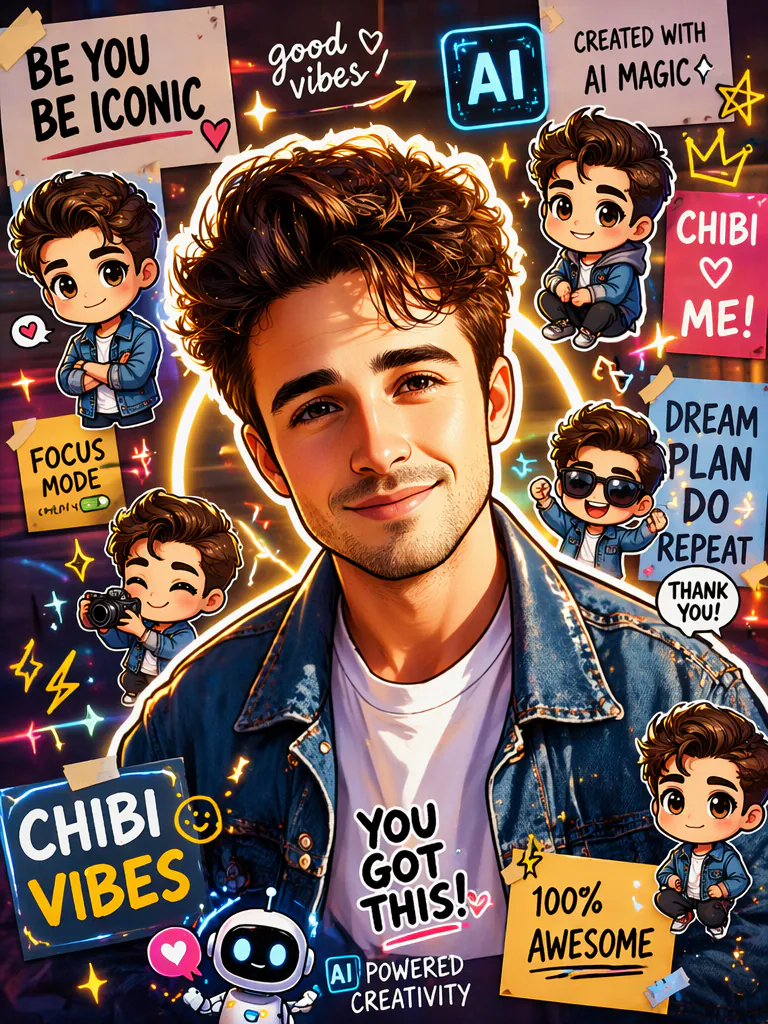
Generate a chibi cartoon style AI photo editing poster from the uploaded image. Keep the person or couple in the center, create a colorful poster-wall background filled with many chibi versions, cute cartoon stickers, mini character cutouts, doodle arrows, glowing circles, handwritten labels, decorative hearts, sparkles, and AI icon-style symbols. Make it look like a viral prompt thumbnail, high-energy composition, vivid colors, realistic face identity, 3D chibi mini characters, clean edges, professional social media design.Back Pose Chibi Girls
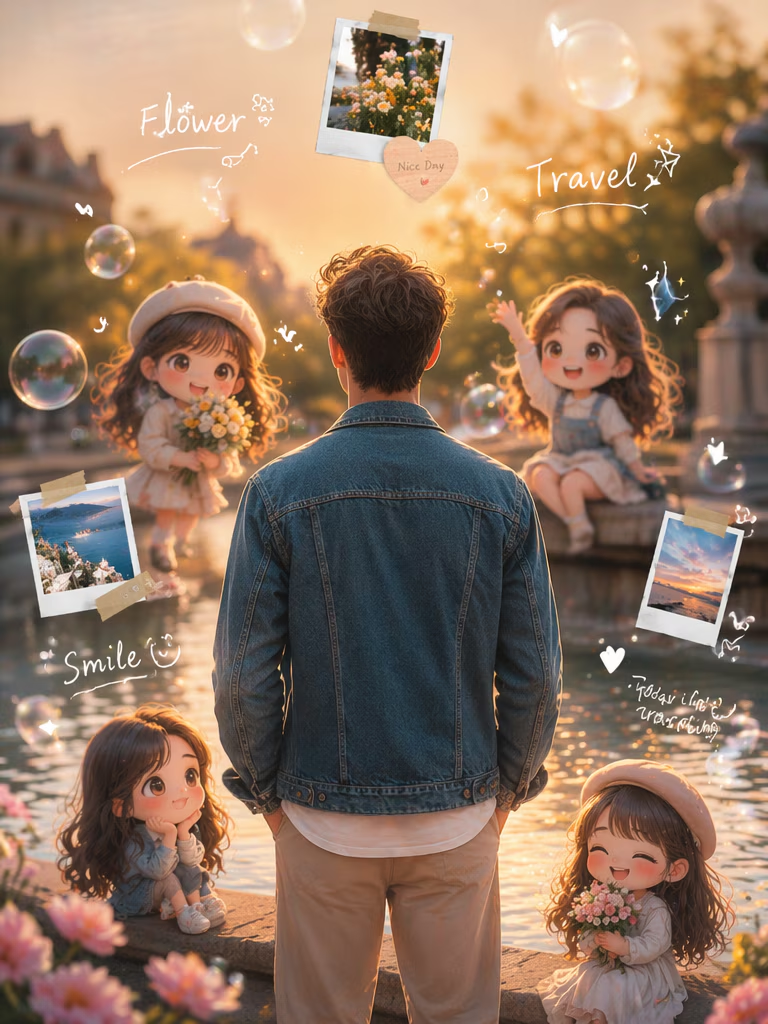
Create a dreamy chibi cartoon edit from a back-facing portrait. Keep the original person standing naturally in the center with realistic hair and outfit, add several small chibi cartoon girls around the scene, sitting near water, holding flowers, waving, and looking cute. Add floating handwritten words like “Flower”, “Travel”, “Smile”, soft glowing bubbles, sparkles, warm sunset light, reflective water, cinematic blur, sticker collage layout, viral AI photo editing style, elegant dreamy mood.Traditional Dress Chibi
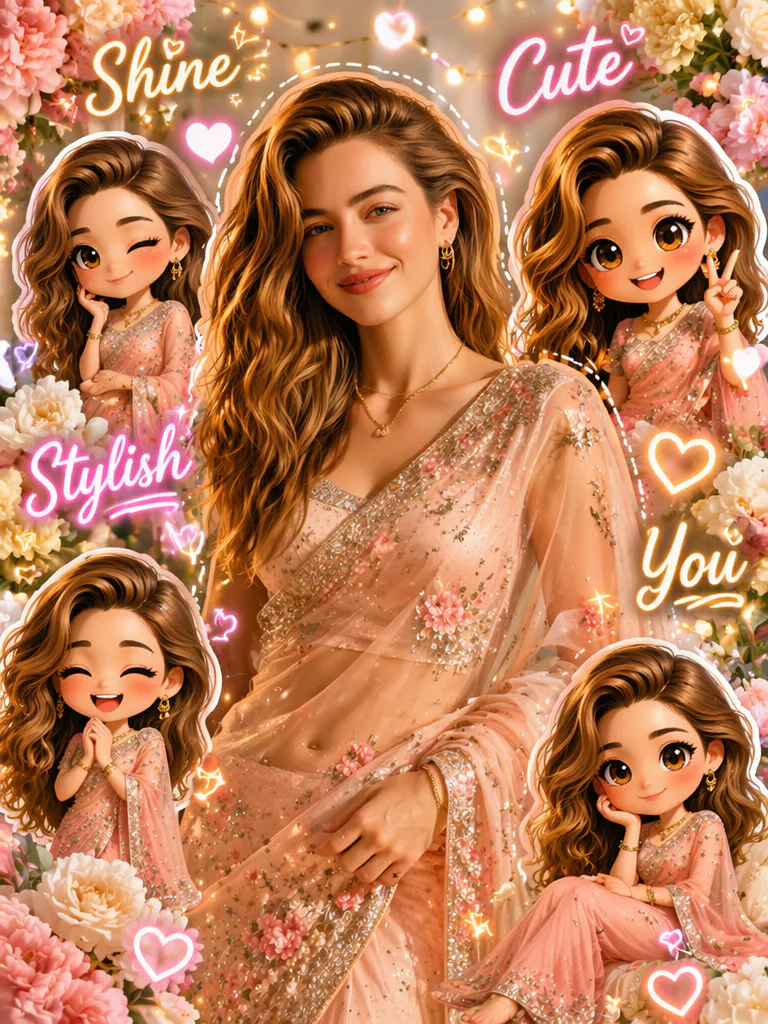
Transform the uploaded traditional outfit photo into a viral 3D chibi cartoon collage. Keep the main woman realistic in the center wearing a beautiful dress or saree, add mini chibi versions wearing matching outfits around her, cute poses, smiling faces, sticker-style cutouts, pastel floral decorations, handwritten words like “Shine”, “Cute”, “Stylish”, “You”, glowing hearts, soft beauty lighting, festive background, high-saturation social media thumbnail look, realistic face preservation.Boy Chibi Park Edit
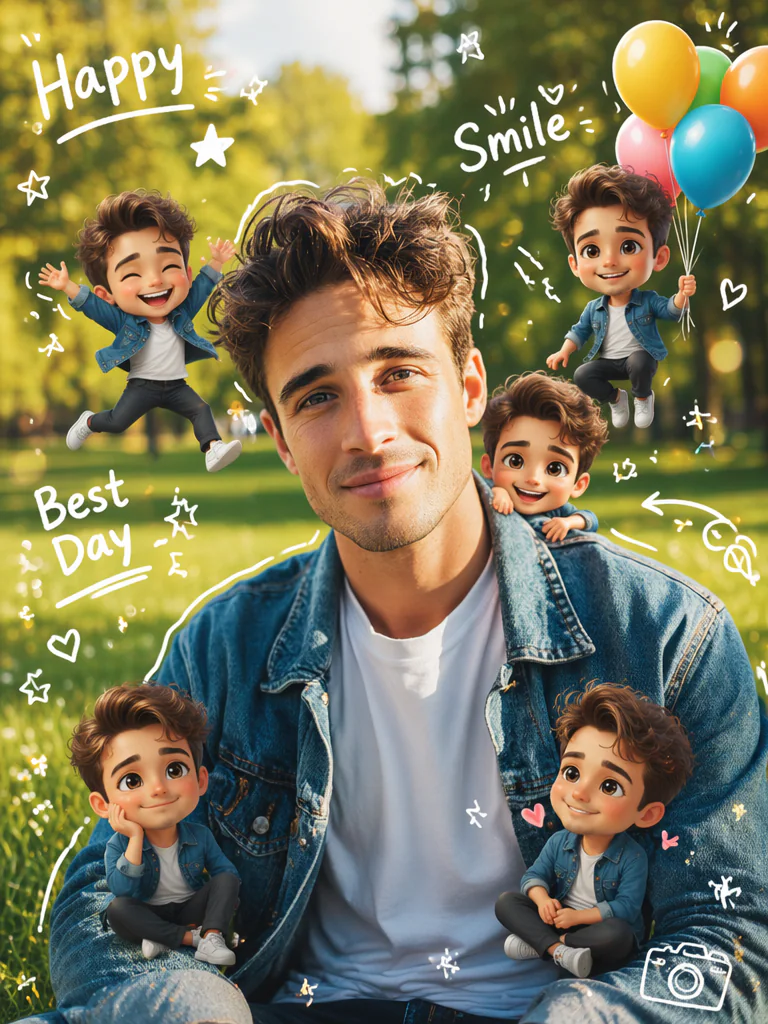
Create a chibi cartoon AI photo edit of a boy in a park. Keep the real boy as the main subject, then add several adorable mini chibi versions of him around the grass, jumping, sitting, holding balloons, and smiling. Add white handwritten doodles such as “Happy”, “Smile”, “Best Day”, stars, hearts, arrows, soft glow circles, green nature background, bright daylight, sticker collage style, cute 3D cartoon rendering, viral Instagram edit, realistic face and outfit preservation.Friends Chibi Collage
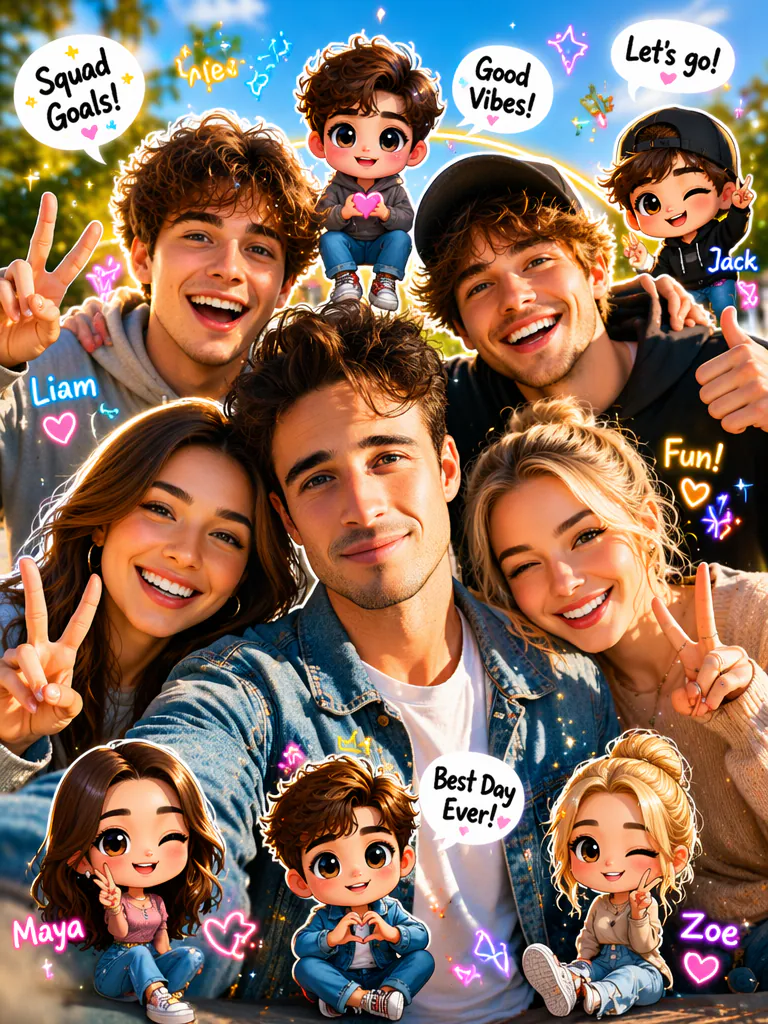
Turn a group photo into a fun chibi cartoon style AI collage. Keep the real friends visible and recognizable, add cute mini chibi versions of each person around the photo like sticker characters, use playful poses, heart signs, peace signs, tiny speech bubbles, handwritten names or mood words, sparkles, pastel doodles, glowing circles, bright outdoor background, social media thumbnail composition, clean cutout edges, vivid 3D cartoon style, cheerful friendship vibe.Couple Chibi Photo Editing
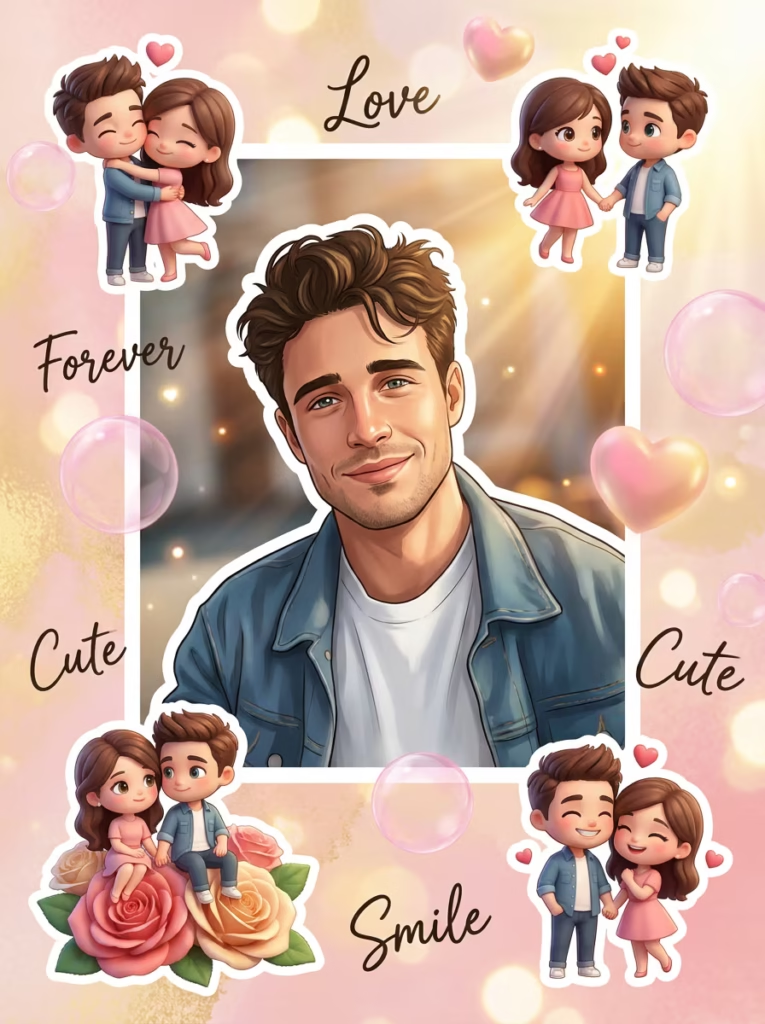
Transform the uploaded couple photo into a romantic chibi cartoon AI editing collage. Keep the real couple in the center with clear identity, add tiny chibi couple versions around them hugging, holding hands, sitting on flowers, and smiling. Add handwritten doodles like “Love”, “Forever”, “Cute”, “Smile”, soft glowing hearts, pink bubble effects, dreamy bokeh, warm sunlight, sticker-style layout, 3D cartoon mini characters, viral couple edit style, high-quality realistic-cartoon fusion.ChatGPT Chibi Thumbnail
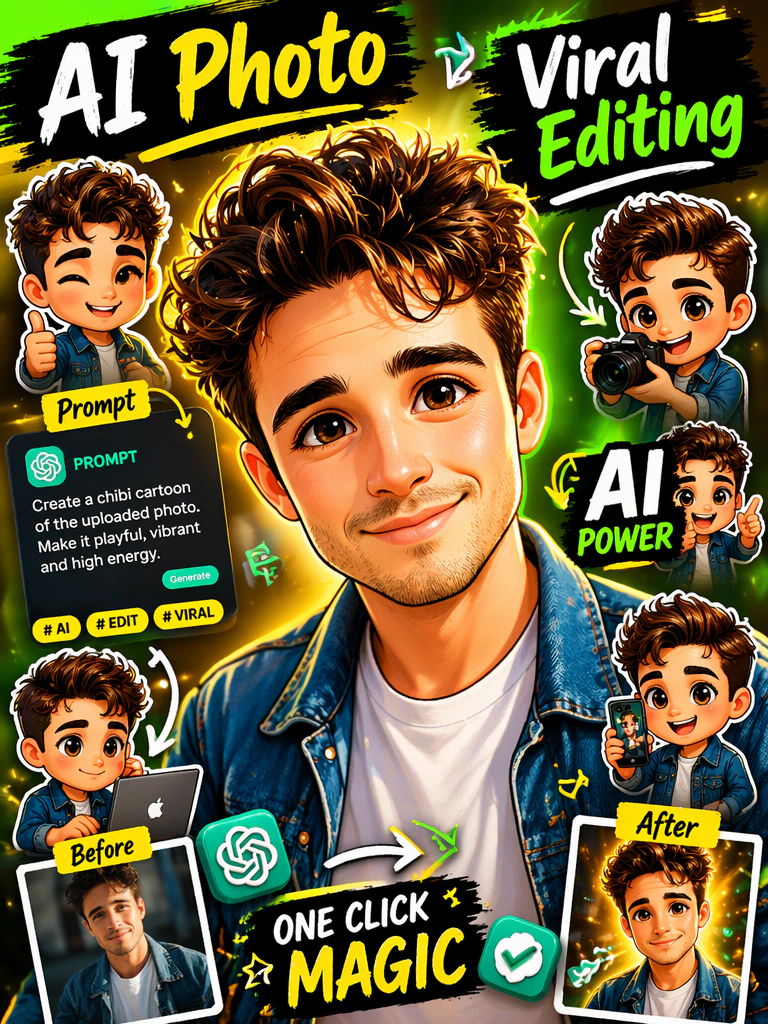
Create a viral AI photo editing thumbnail in chibi cartoon style. Keep the uploaded person in the middle, add several mini chibi versions around the subject, include ChatGPT-style green icon elements, prompt cards, AI editing labels, glowing arrows, sticker cutouts, handwritten words such as “AI Photo”, “Viral Editing”, “Prompt”, bright yellow and green accent colors, high-contrast YouTube thumbnail layout, sharp face details, glossy 3D cartoon figures, energetic composition.Gemini Chibi Cartoon Prompt
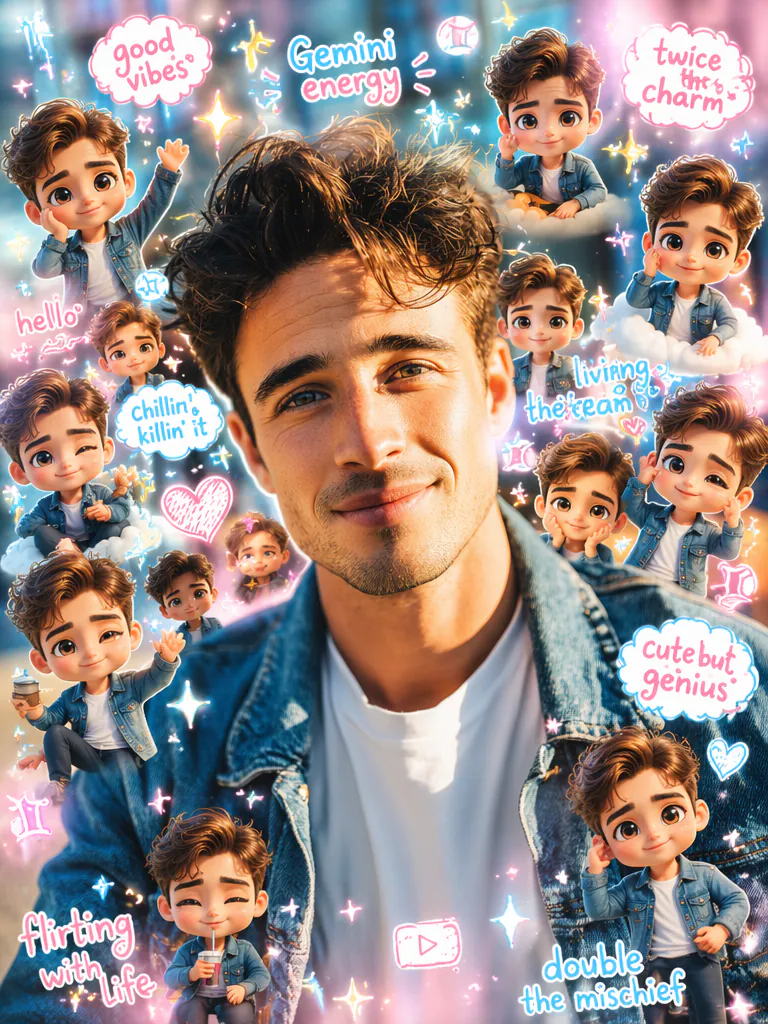
Generate a Gemini-style chibi cartoon photo edit using the uploaded image. Keep the main person realistic and centered, add many cute mini 3D chibi characters of the same person around the background, include colorful AI sparkle icons, handwritten doodle words, cloud bubbles, pink and blue pastel glow, sticker collage design, soft natural daylight, realistic face identity, trendy Instagram and YouTube editing prompt style, clean high-resolution result.Outdoor Fashion Chibi
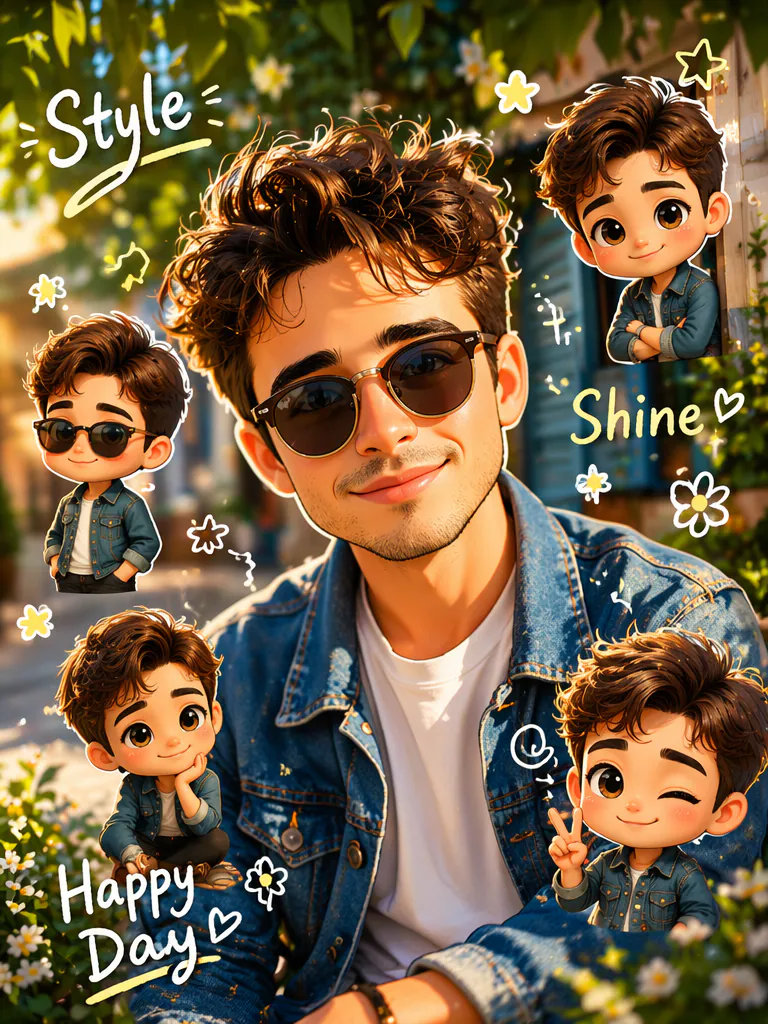
Turn an outdoor fashion portrait into a chibi cartoon style AI photo. Keep the person realistic with stylish outfit, sunglasses, or casual pose, add mini chibi versions around them in matching fashion, create a leafy garden or street background, add handwritten words like “Style”, “Shine”, “Happy Day”, doodle flowers, stars, arrows, soft glow, sticker-style cutouts, cinematic daylight, bright viral photo editing look, cute 3D character rendering.Garden Chibi Girl
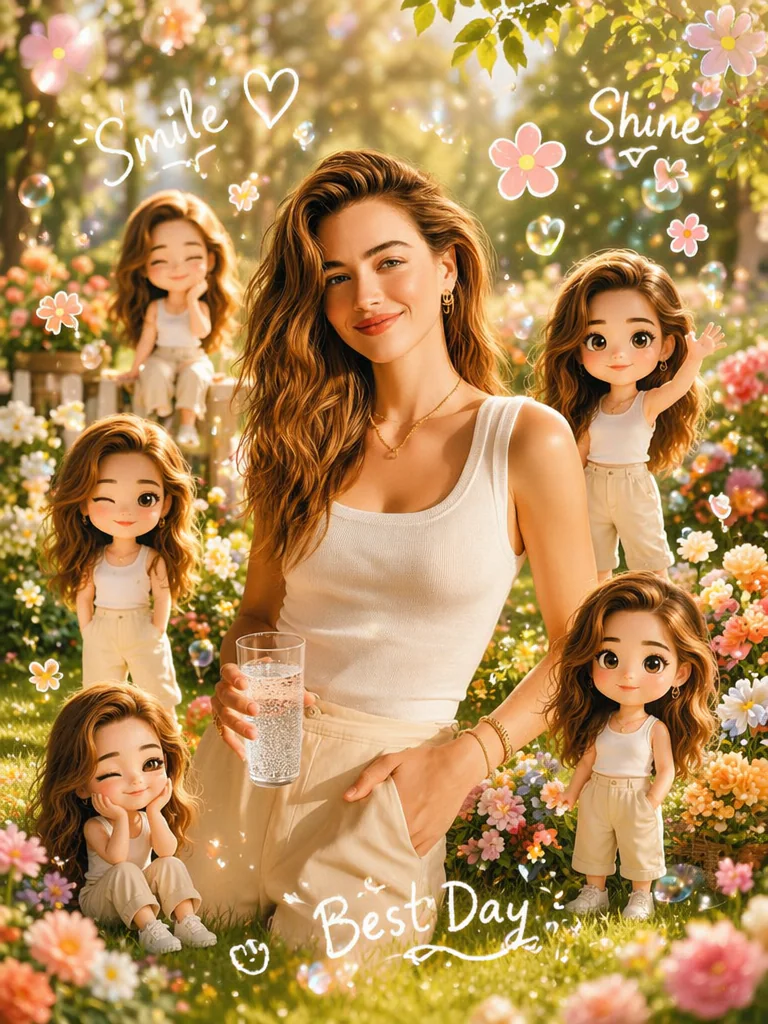
Create a cute garden chibi cartoon AI edit from the uploaded girl photo. Keep the real girl in the center with natural beauty and clear identity, surround her with small doll-like chibi versions wearing the same outfit, standing among flowers, sitting on grass, waving and smiling. Add handwritten doodles “Smile”, “Shine”, “Best Day”, tiny hearts, flower stickers, glowing bubbles, soft pastel background, dreamy daylight, viral AI editing collage, high-detail 3D cartoon mini characters.Male Portrait Chibi
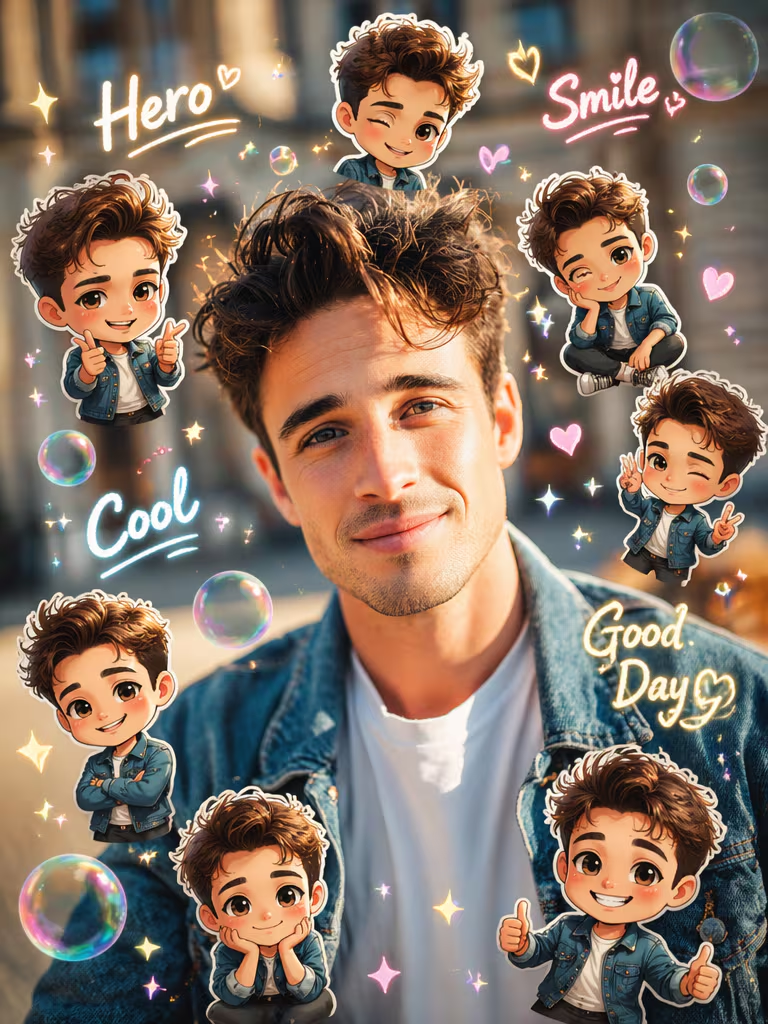
Transform a male portrait into a trending chibi cartoon style AI photo edit. Keep the man realistic in the center with accurate facial identity, add many small chibi versions of him around the frame, playful poses, tiny jackets, smiling faces, soft sticker outlines, glowing bubbles, handwritten words “Hero”, “Smile”, “Cool”, “Good Day”, pastel sparkles, blurred outdoor background, cinematic social media edit, glossy 3D chibi render, clean high-quality finish.Chibi Character Board
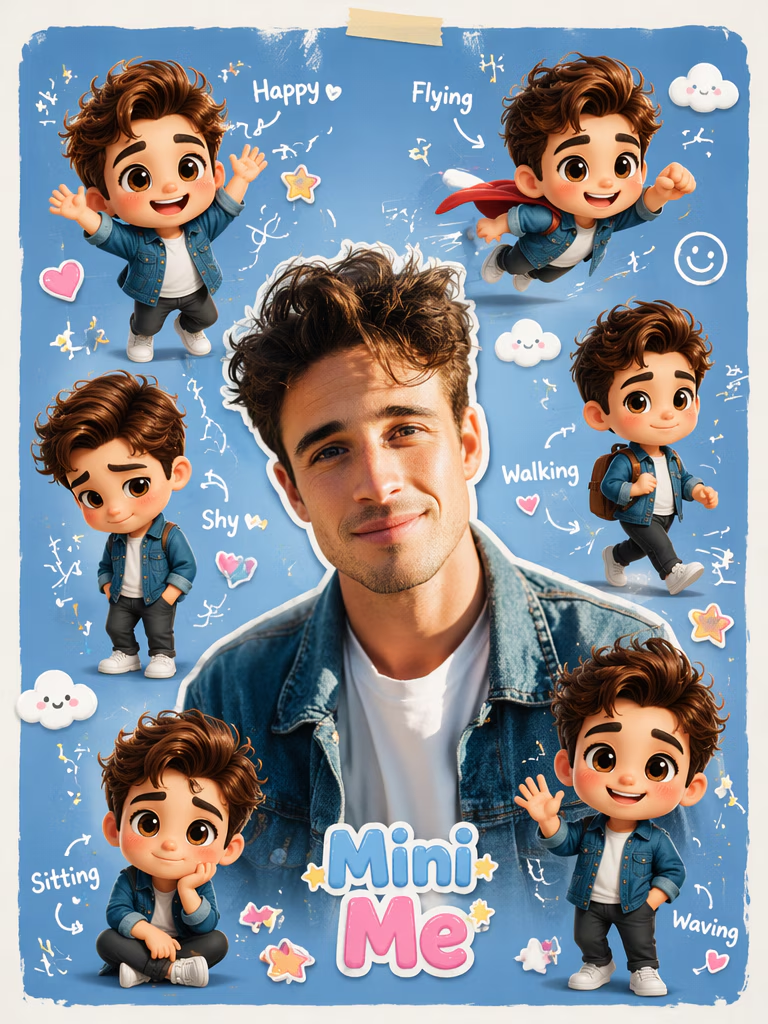
Create a chibi character board from the uploaded photo. Place the realistic person in the center and design a background board filled with different mini chibi versions: happy pose, shy pose, walking pose, flying pose, sitting pose, and waving pose. Add handwritten labels near each character, white doodle arrows, pastel sticker decorations, cute clouds, hearts, stars, glossy 3D cartoon rendering, viral prompt board layout, clean composition, high-resolution AI editing poster.Festival Chibi Cartoon
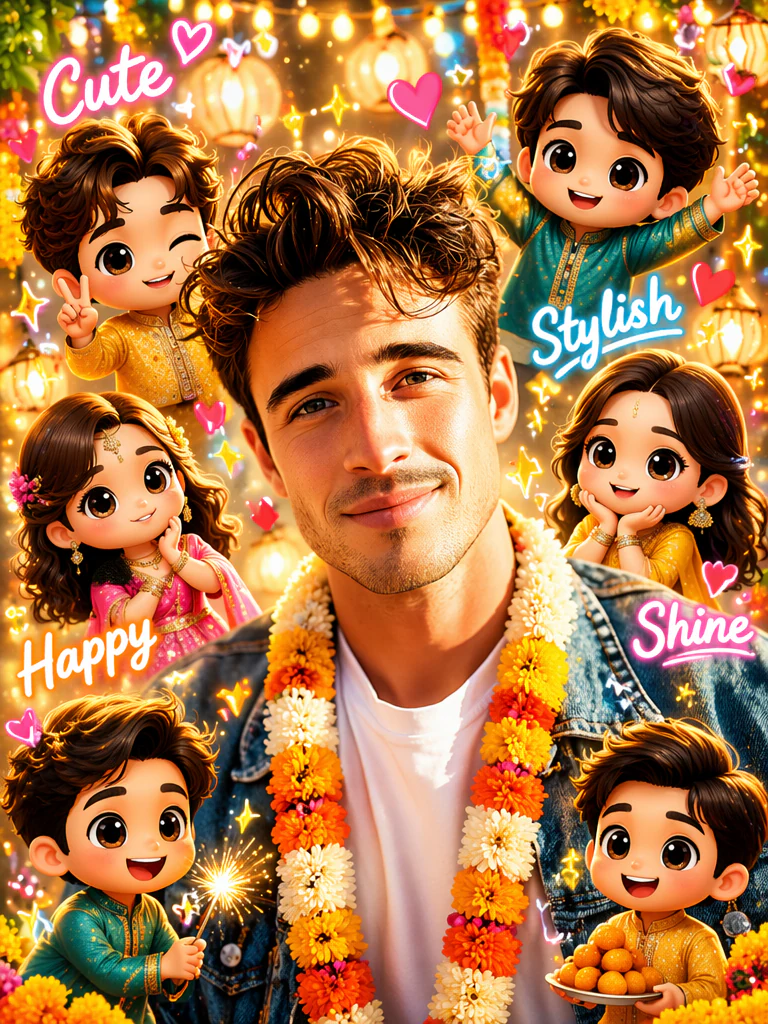
Turn the uploaded festive photo into a viral chibi cartoon AI collage. Keep the main subject realistic and elegant, add several mini chibi characters in matching festive outfits, colorful background decorations, glowing lights, flower garlands, handwritten words “Cute”, “Stylish”, “Happy”, “Shine”, heart stickers, sparkle doodles, soft golden light, bright social media thumbnail style, 3D cartoon character details, clean face preservation, joyful celebration mood.Travel Chibi Cartoon
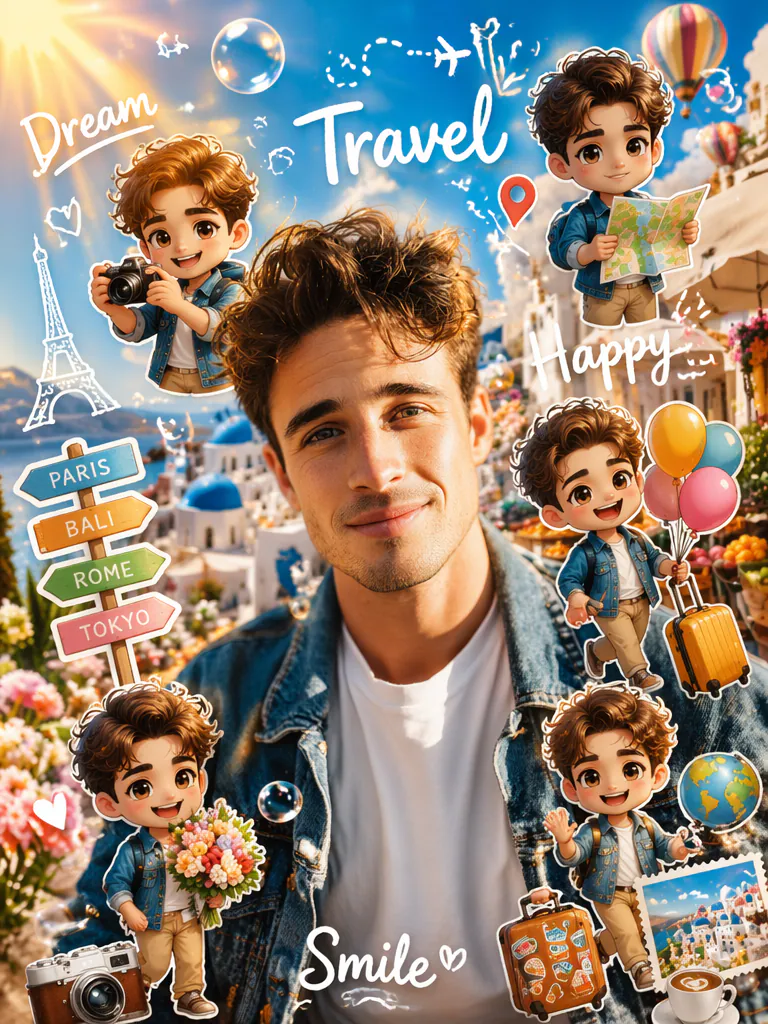
Create a travel-themed chibi cartoon style AI photo edit. Keep the real traveler in the center, add mini chibi versions around the scene holding a camera, suitcase, map, flowers, and balloons. Add handwritten words “Travel”, “Dream”, “Happy”, “Smile”, location doodles, soft glow bubbles, sun flare, scenic background, sticker collage composition, bright viral editing style, glossy 3D cartoon rendering, realistic face identity and outfit preservation.Soft Pastel Chibi
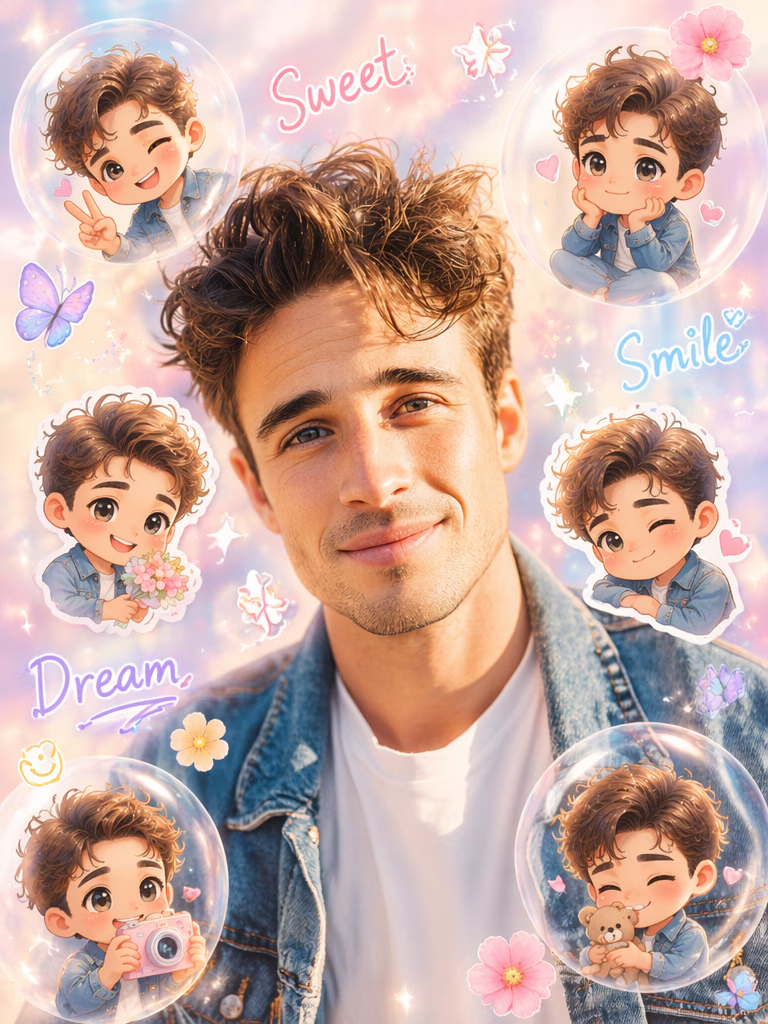
Transform the uploaded photo into a soft pastel chibi cartoon collage. Keep the real person natural and recognizable, place cute mini chibi versions around the frame inside transparent bubbles and sticker cutouts, use pastel pink, cream, lavender, and sky-blue tones, handwritten doodles “Sweet”, “Smile”, “Dream”, soft hearts, flowers, butterflies, sparkles, smooth beauty lighting, dreamy bokeh, cute 3D cartoon rendering, clean viral aesthetic photo edit.YouTube Viral Chibi
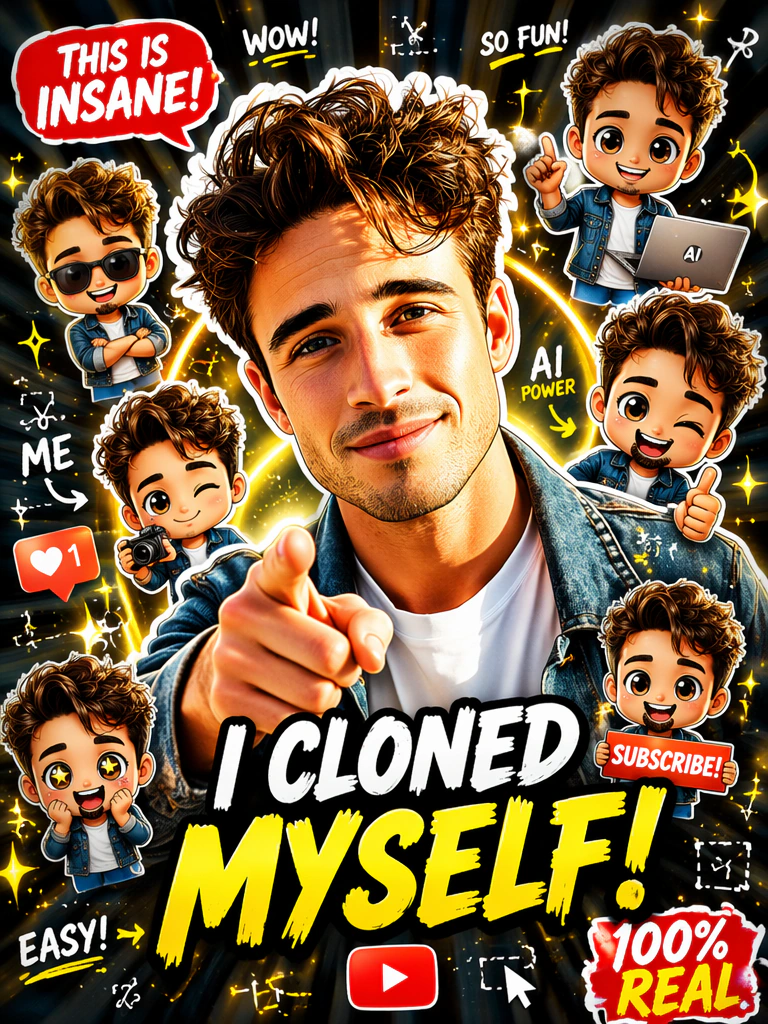
Create a viral YouTube thumbnail-style chibi cartoon AI image. Put the uploaded person in the center, add many cute 3D chibi mini clones around them, use bold poster composition, colorful sticker cutouts, handwritten doodle words, arrows, sparkles, glowing circles, AI editing symbols, bright red and yellow accent labels, high contrast, clean face preservation, exciting expression, professional thumbnail layout, ultra sharp social media-ready result.Ultimate Viral Chibi Cartoon
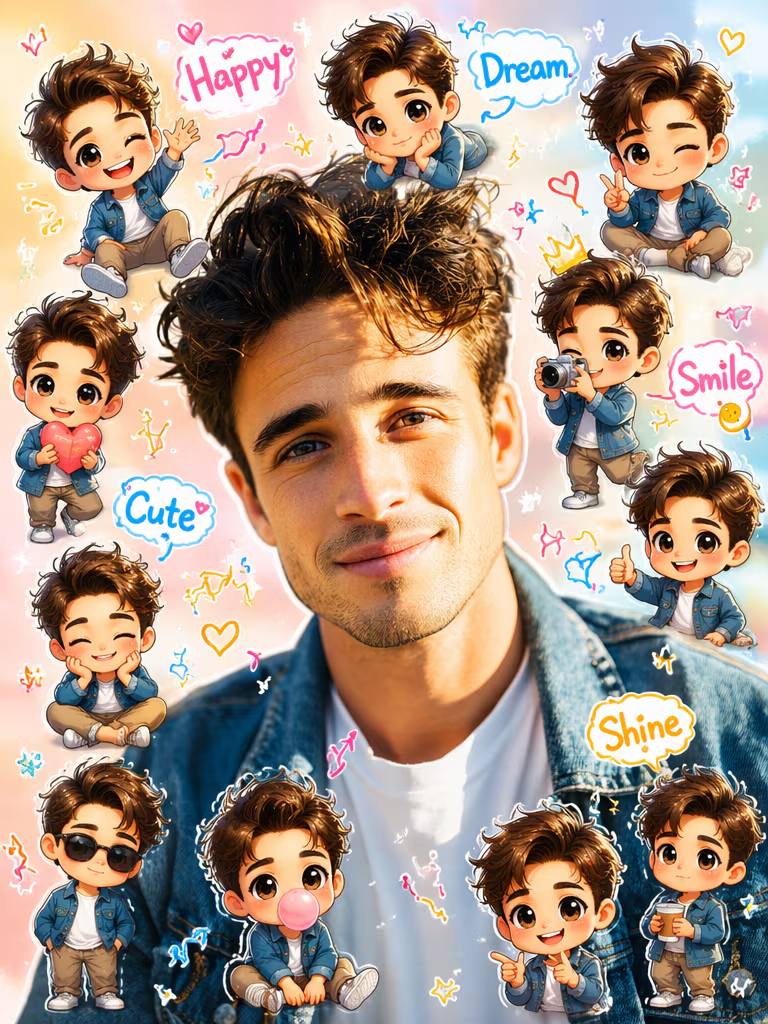
Transform the uploaded photo into an ultimate viral chibi cartoon style AI photo editing masterpiece. Keep the main real person clear and recognizable, add 8 to 12 mini chibi cartoon versions of the same person around the photo in different poses, cute big heads, tiny bodies, glossy eyes, sticker outlines, floating bubbles, handwritten doodles, arrows, hearts, flowers, sparkles, words like “Happy”, “Dream”, “Smile”, “Cute”, “Shine”, pastel background, bright social media thumbnail layout, realistic-photo plus 3D cartoon fusion, clean composition, high detail, no distorted face, no messy text.वायरल चिबी कोलाज तस्वीरें बनाएं
सेल्फी, पोर्ट्रेट, कपल फोटो और आउटडोर शॉट्स को अब एकदम नए अंदाज़ में बदलें—ट्रेंडी चिबी कार्टून कोलाज स्टाइल में। इस स्टाइल में आपकी फोटो के साथ मिनी कैरेक्टर, स्टिकर कटआउट, चमकते बुलबुले और हैंड-ड्रॉन डूडल जोड़कर उसे क्यूट, क्रिएटिव और सोशल मीडिया फ्रेंडली बना दिया जाता है।
आप आसानी से ChatGPT या Google Gemini की मदद से इस तरह की एडिटिंग कर सकते हैं—बस सही प्रॉम्प्ट और एक अच्छी फोटो की जरूरत होती है।
यह स्टाइल खास तौर पर इन प्लेटफॉर्म्स के लिए परफेक्ट है:
- Instagram Reels
- TikTok Videos
- YouTube Shorts
- Pinterest Posts
- AI Editing Thumbnails
क्योंकि:
👉 यह तुरंत ध्यान खींचता है
👉 क्यूट और यूनिक दिखता है
👉 और वायरल होने की संभावना बढ़ा देता है
अगर आप अपने कंटेंट को बाकी लोगों से अलग दिखाना चाहते हैं, तो चिबी कार्टून कोलाज स्टाइल जरूर ट्राय करें—यह आपके फोटो को एकदम नया और आकर्षक लुक देगा।
असली तस्वीर जैसा लुक बरकरार रखें
इस प्रॉम्प्ट स्टाइल की सबसे खास बात यह है कि इसमें आपकी असली पहचान बनी रहती है, जबकि इमेज को एक मजेदार और क्रिएटिव ट्विस्ट मिल जाता है।
इसमें मुख्य फोटो (आपका असली चेहरा और पोज़) बिल्कुल नैचुरल और पहचानने योग्य रहता है, और उसके चारों ओर छोटे-छोटे 3D चिबी कैरेक्टर्स जोड़ दिए जाते हैं। ये मिनी अवतार आपकी ही तरह दिखते हैं, लेकिन क्यूट और कार्टूनिश अंदाज़ में।
यानी आपको मिलता है:
- असली फोटो की क्लैरिटी और पहचान
- साथ में चिबी स्टाइल की क्रिएटिव फील
सबसे अच्छी बात यह है कि:
👉 आपकी फोटो का चेहरा, आउटफिट, पोज़ और मूड वैसा ही रहता है
👉 बस उसके आसपास क्यूट 3D कार्टून एलिमेंट्स जुड़ जाते हैं
इससे फोटो:
- ज्यादा आकर्षक बनती है
- एंटरटेनिंग लगती है
- और सोशल मीडिया पर अलग नजर आती है
आप ChatGPT या Google Gemini की मदद से आसानी से इस तरह का आउटपुट पा सकते हैं—जहां रियल और कार्टून का परफेक्ट बैलेंस देखने को मिलता है।
सीधी बात:
👉 आपकी फोटो वही रहती है, लेकिन उसका प्रेजेंटेशन पूरी तरह बदल जाता है—और यही इसे वायरल बनाता है।
प्यारे डूडल और स्टिकर विवरण जोड़ें
हर प्रॉम्प्ट को इस तरह डिजाइन किया जाता है कि उसमें सिर्फ कैरेक्टर ही नहीं, बल्कि छोटे-छोटे क्रिएटिव डिटेल्स भी शामिल हों—जो पूरी फोटो को जीवंत और आकर्षक बना देते हैं।
इन प्रॉम्प्ट्स में आमतौर पर ये एलिमेंट्स जोड़े जाते हैं:
- हस्तलिखित (handwritten) शब्द जैसे “Happy”, “Love”, “Shine”
- दिल ❤️, तीर ➡️, चमक ✨ जैसे सिंबल
- बुलबुले, फूल 🌸 और तितलियाँ 🦋
- सॉफ्ट स्टिकर जैसी आउटलाइन और डूडल इफेक्ट
ये सभी चीजें मिलकर फोटो को एक क्यूट, playful और एस्थेटिक लुक देती हैं, जो आजकल सोशल मीडिया पर काफी ट्रेंड कर रहा है।
खास बात यह है कि यह स्टाइल बिल्कुल उसी तरह का लगता है जैसा आप:
- Google Images
- Instagram Reels
- YouTube Shorts के थंबनेल
में वायरल होते हुए देखते हैं।
आप ChatGPT या Google Gemini में जब ऐसे डिटेल्ड प्रॉम्प्ट्स डालते हैं, तो AI इन सभी एलिमेंट्स को समझकर एक पूरी तरह से डूडल-स्टाइल चिबी कार्टून एडिट तैयार करता है।
यह Gemini, ChatGPT और अन्य के साथ काम करता है।
आप इन 3D चिबी कार्टून प्रॉम्प्ट्स का इस्तेमाल कई लोकप्रिय AI इमेज टूल्स के साथ कर सकते हैं, जैसे Google Gemini, ChatGPT, Midjourney, Leonardo AI, Stable Diffusion XL (SDXL) और Flux जैसे अन्य इमेज-टू-इमेज प्लेटफॉर्म।
इन टूल्स की खासियत यह है कि ये आपके दिए गए प्रॉम्प्ट और फोटो के आधार पर बेहद रियलिस्टिक और क्रिएटिव आउटपुट तैयार करते हैं।
कैसे इस्तेमाल करें:
- सबसे पहले अपना पसंदीदा प्रॉम्प्ट कॉपी करें
- फिर किसी भी AI टूल में जाकर अपनी फोटो अपलोड करें
- प्रॉम्प्ट को पेस्ट करें
- और “Generate” पर क्लिक करें
बस कुछ ही सेकंड में:
👉 आपकी फोटो एक आकर्षक 3D चिबी कार्टून स्टाइल एडिट में बदल जाएगी
यह तरीका:
- तेज़ है
- आसान है
- और बिना किसी एडिटिंग स्किल के शानदार रिजल्ट देता है
अगर आप अलग-अलग टूल्स में ट्राय करेंगे, तो आपको हर जगह थोड़ा अलग और यूनिक आउटपुट मिलेगा—जिससे आप अपने लिए सबसे बेहतरीन स्टाइल चुन सकते हैं।
Share to Help